
Grok Imagine and Gemini on the same source.
Pick an engine, run the still, then paint only the spot that is wrong. Version history keeps every generate — nothing overwrites the plate you liked.
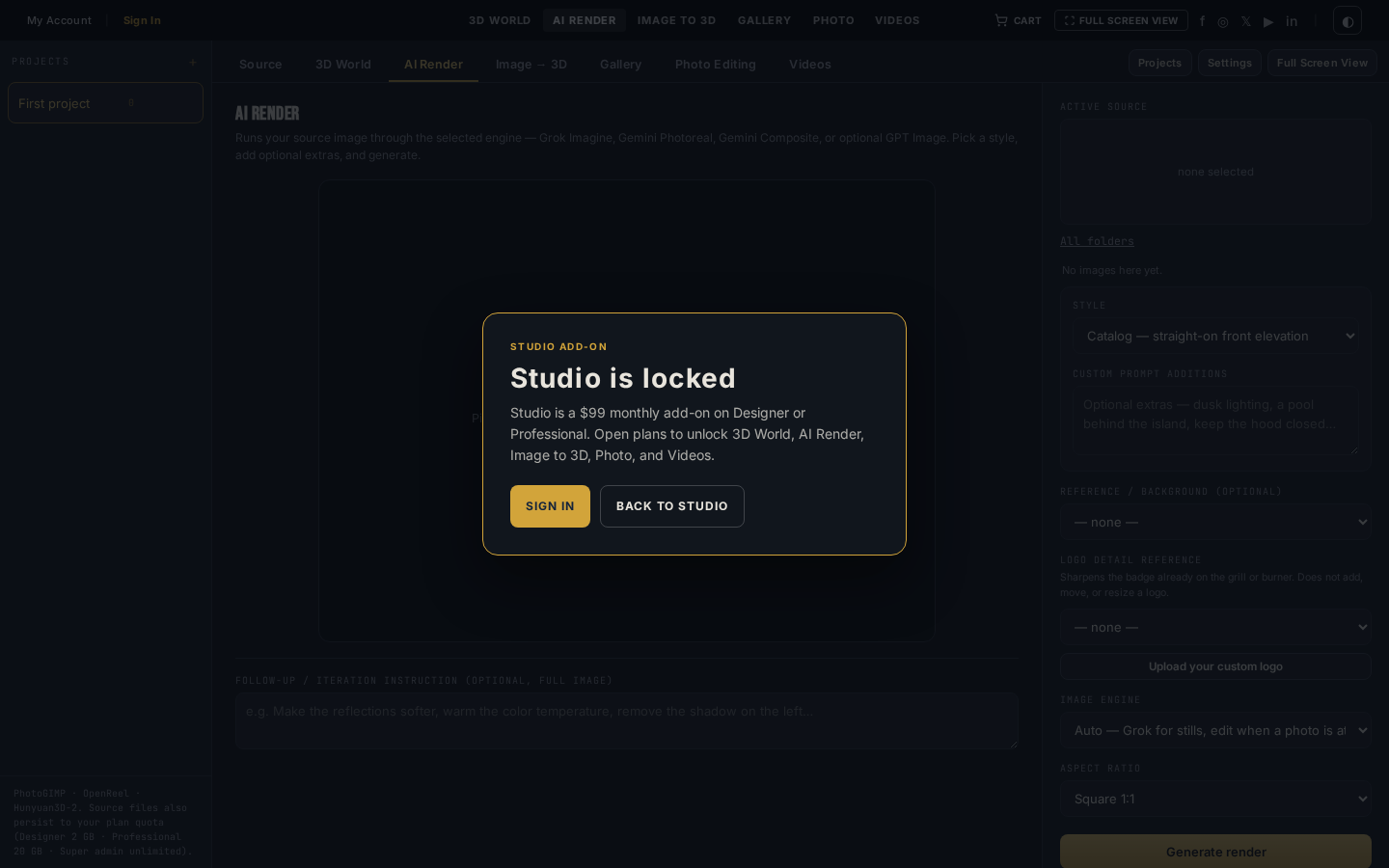
Screenshot of the tool
AI Render bench
Source filmstrip on the right, Grok Imagine / Gemini engines in the dock, painted-region regenerate on the stage.
Built for the job in front of you.
Pick an engine, run the still, then paint only the spot that is wrong. Version history keeps every generate — nothing overwrites the plate you liked.
- Engines
- Grok Imagine + Gemini
- Fix tool
- Painted-region regenerate
- Credits
- Plan pool + credit packs
- Save
- Sign in required
Two vendors, one dock
Grok Imagine 2.0, Fast, and Edit. Gemini Photoreal, Flash, and Composite. Optional GPT Image if the key is on.
Paint a fix
Most of the plate good? Brush the problem, describe the change, and only that region regenerates.
Version history
Every generate and painted fix stays on the strip. Click any version to view, save, or branch.
Same credits
Designer, Professional, and credit packs spend here. Studio does not add a second bank.
Engines
What actually runs the generate.
xAI
Grok Imagine 2.0
Quality mode for product heroes, dusk kitchens, and material close-ups.
xAI
Grok Imagine Fast
Same credit, quicker drafts while you lock the prompt.
xAI
Grok Imagine Edit
Rewrite lighting or finish on an existing still without rebuilding the layout.
Gemini Photoreal
Layout-faithful outdoor kitchen photographs that follow SKU geometry.
Gemini Flash
Faster Gemini stills when you want a second look without waiting on Pro.
Gemini Composite
Install the island into a customer patio photo.
Three steps on this bench.
- 01
Pick a source
A 3D World capture, a Gallery still, or a photo from Source. The filmstrip on the right is the same library.
- 02
Choose the engine
Grok Imagine for presentation stills. Gemini Photoreal when SKU geometry has to hold. Composite to drop an island into a patio.
- 03
Iterate, then file
Paint a region, regenerate, save to Gallery. Use the result as the next source without leaving the bench.
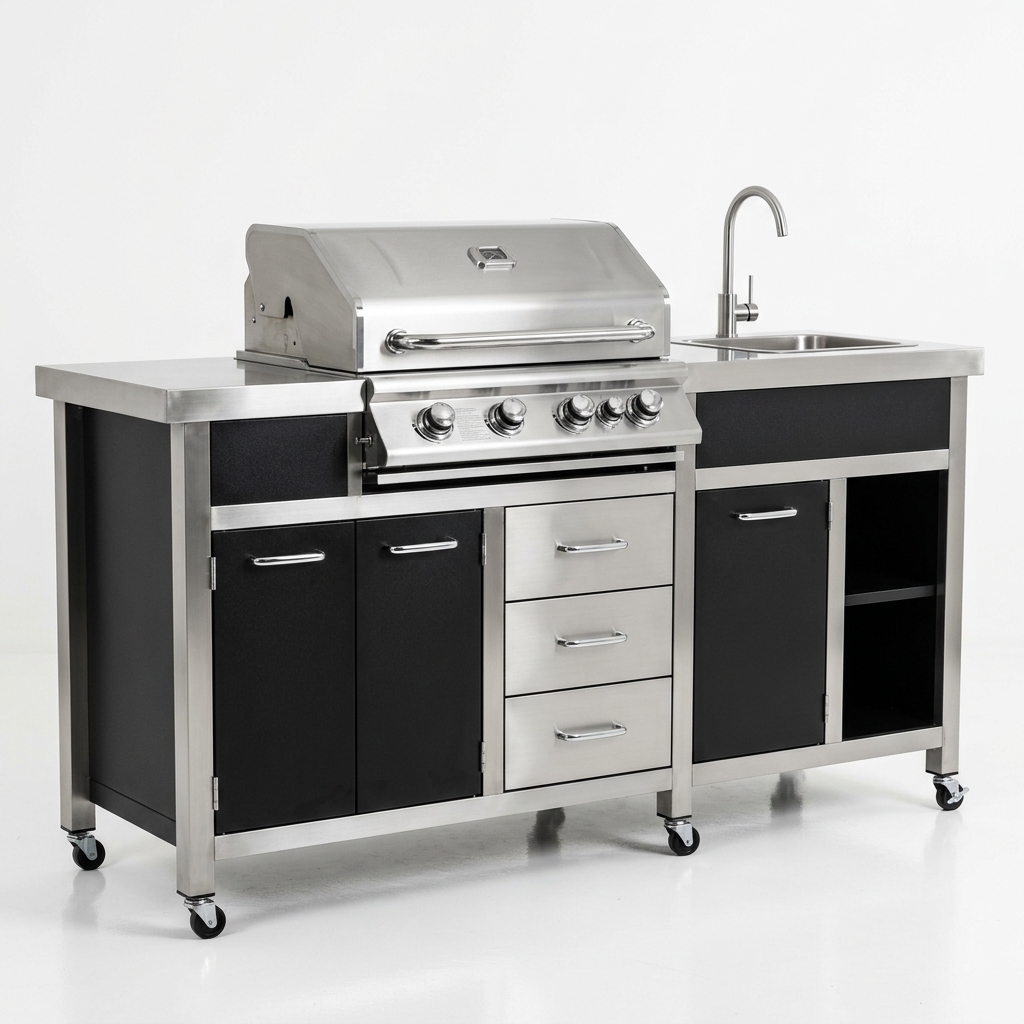
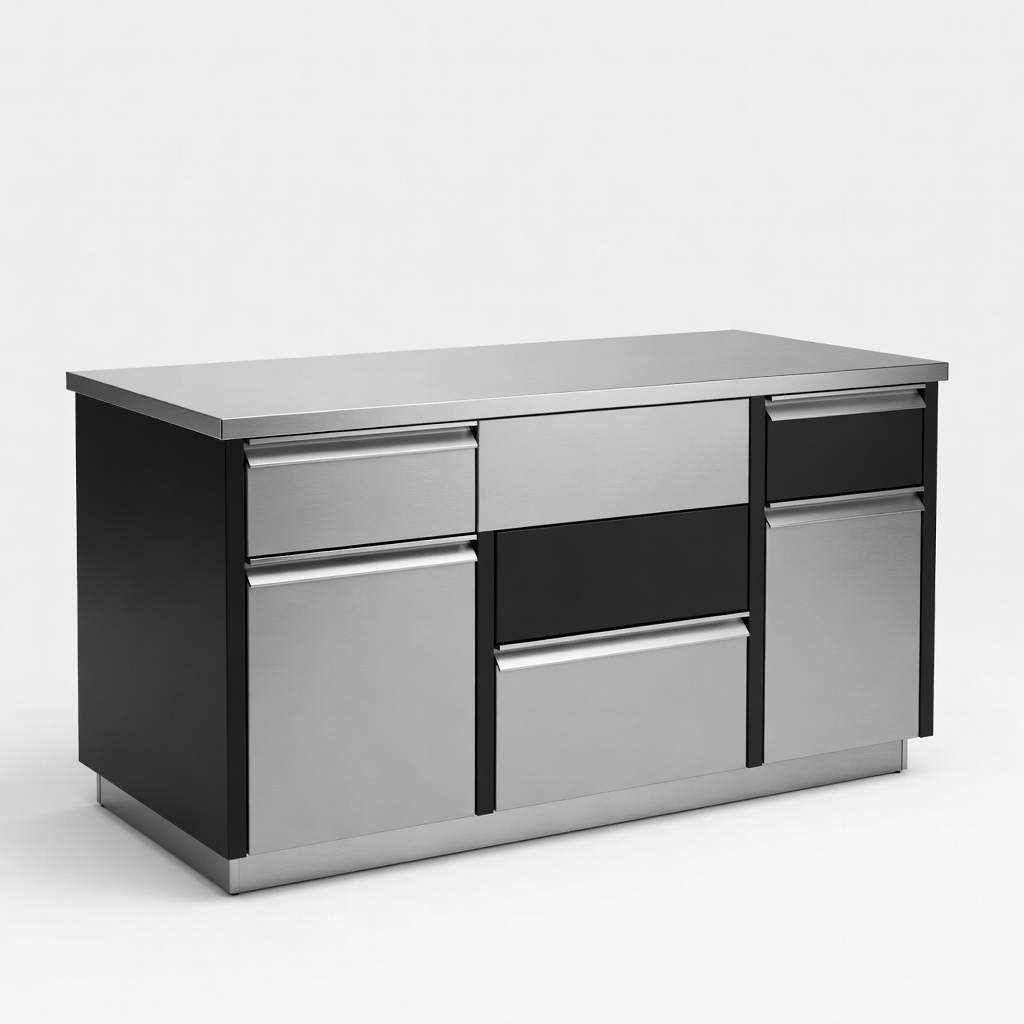
The bench, and what leaves it.
Also in the lab
- Sign in to save, upload sources, and run paid generates
- Studio is a $99 add-on on Designer or Professional
- Credits come from the same plan pool
Grok Imagine and Gemini on the same source.
Studio is the $99 add-on on Designer or Professional. Sign in to save. Credits power every generate.