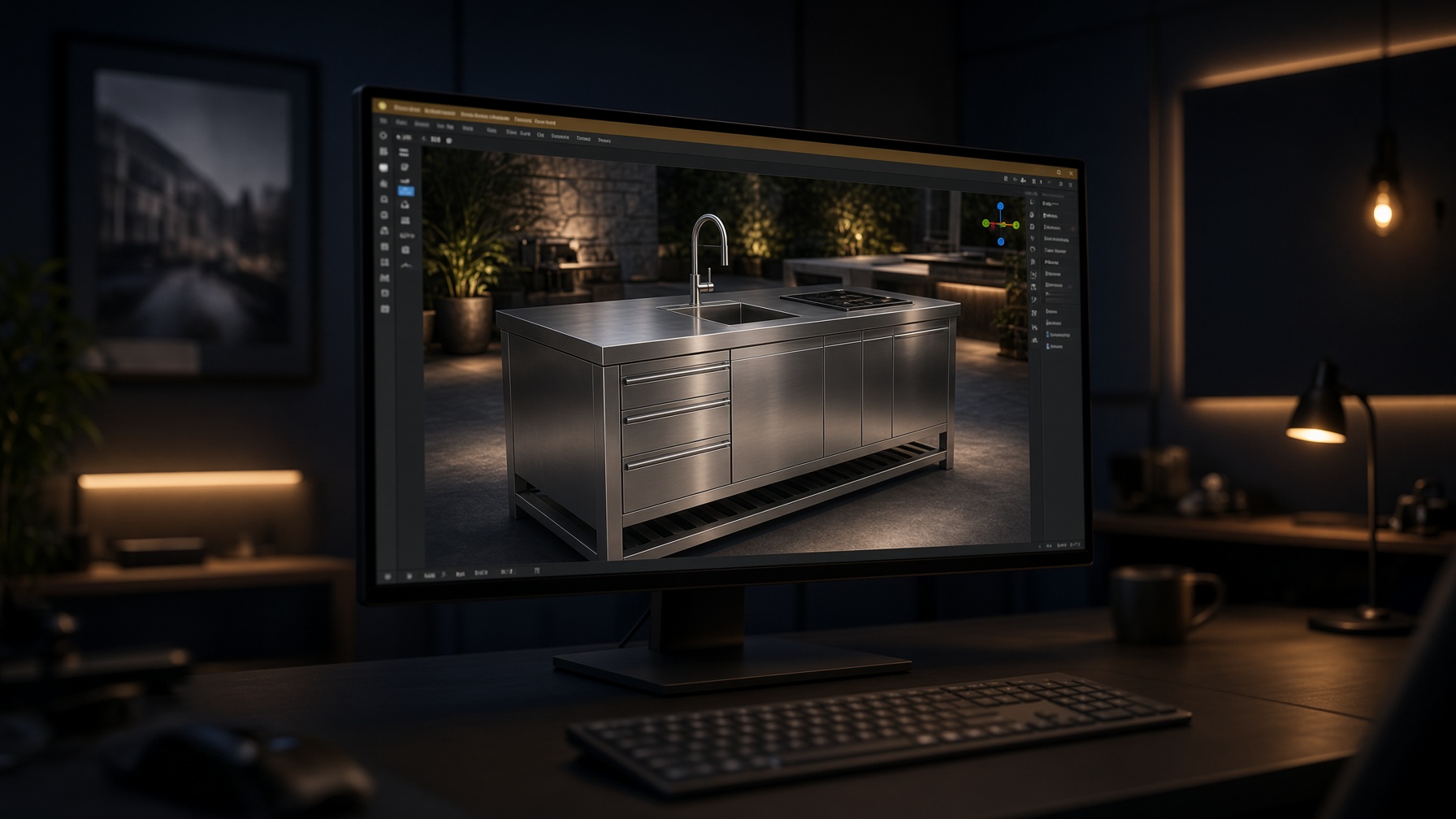
Model in the live viewport. Shoot the camera.
Sketch a solid, type a size, extrude, revolve, boolean — then light the room and generate from the live 3D window. Studio, sunset, overcast, and dusk sit on the same bench.
Screenshot of the tool
3D World bench
The live viewport with CAD model tools, workplanes, and a product on the pad.
Built for the job in front of you.
Sketch a solid, type a size, extrude, revolve, boolean — then light the room and generate from the live 3D window. Studio, sunset, overcast, and dusk sit on the same bench.
- Best for
- Product modeling before a still
- Source
- Live camera, never a screenshot
- Access
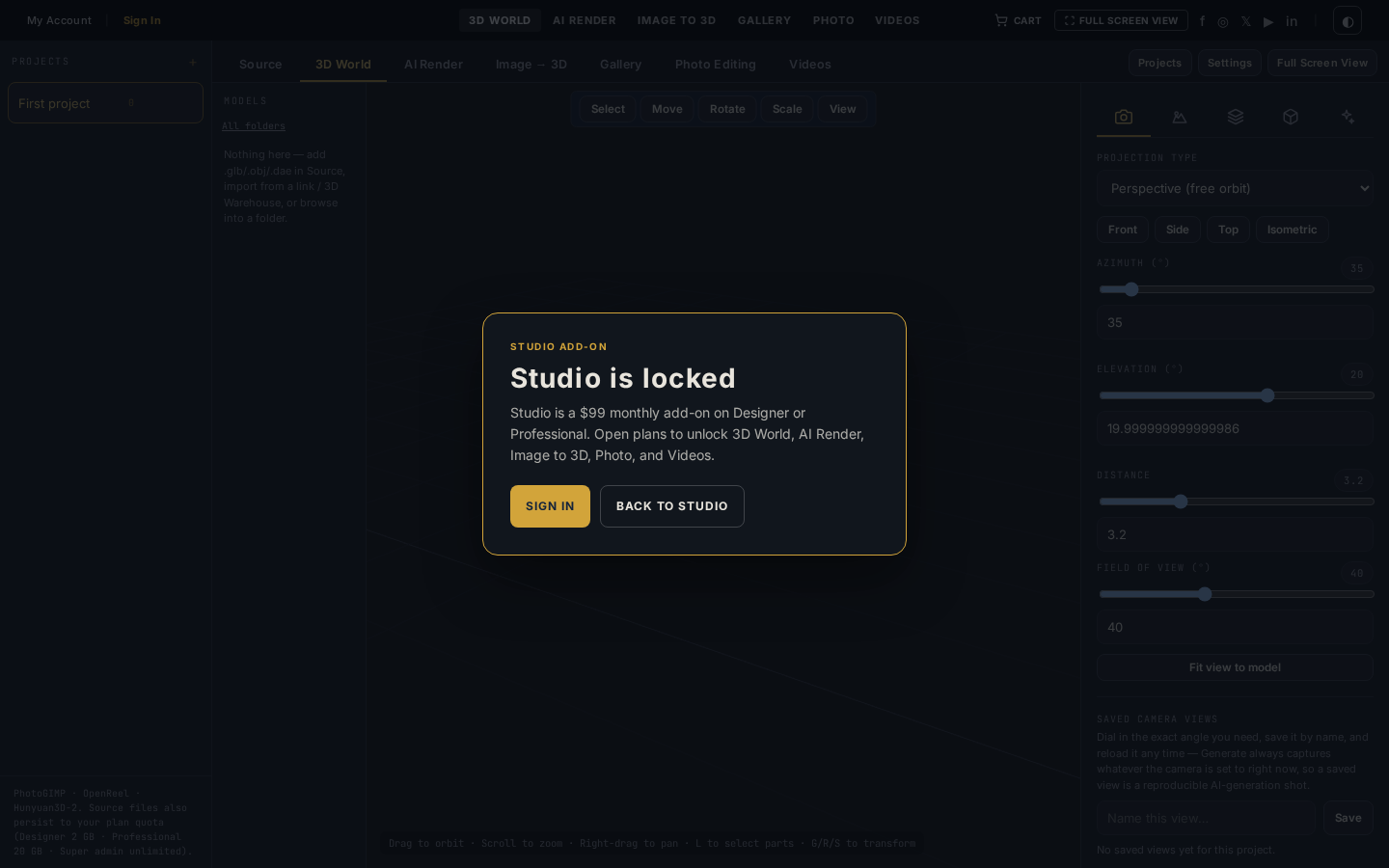
- Studio add-on · $99 / month
- Save / generate
- Sign in required
Model in the viewport
Rectangle, line, extrude, pocket, millimetre or inch snap, type-in sizes. Box, cylinder, cone, revolve, arrays, and boolean — then shoot the live camera.
Load any model
Drop a GLB from Source, pull a catalog mesh, or paste a model URL. The same file can move to Image to 3D and back.
Four environments
Studio, sunset, overcast, and dusk — plus your own HDRI or backdrop photo behind the model.
Parts and materials
Click a part to hide it. Paint metalness, roughness, and texture maps, then save the setup on the model.
Generate from the view
The live camera is the source. Grok Imagine and Gemini render the framed shot, not a flattened PNG.
Three steps on this bench.
- 01
Model or load
Sketch a solid or drop a mesh from Source. Orbit, pan, and zoom until the model sits in the frame.
- 02
Dress the scene
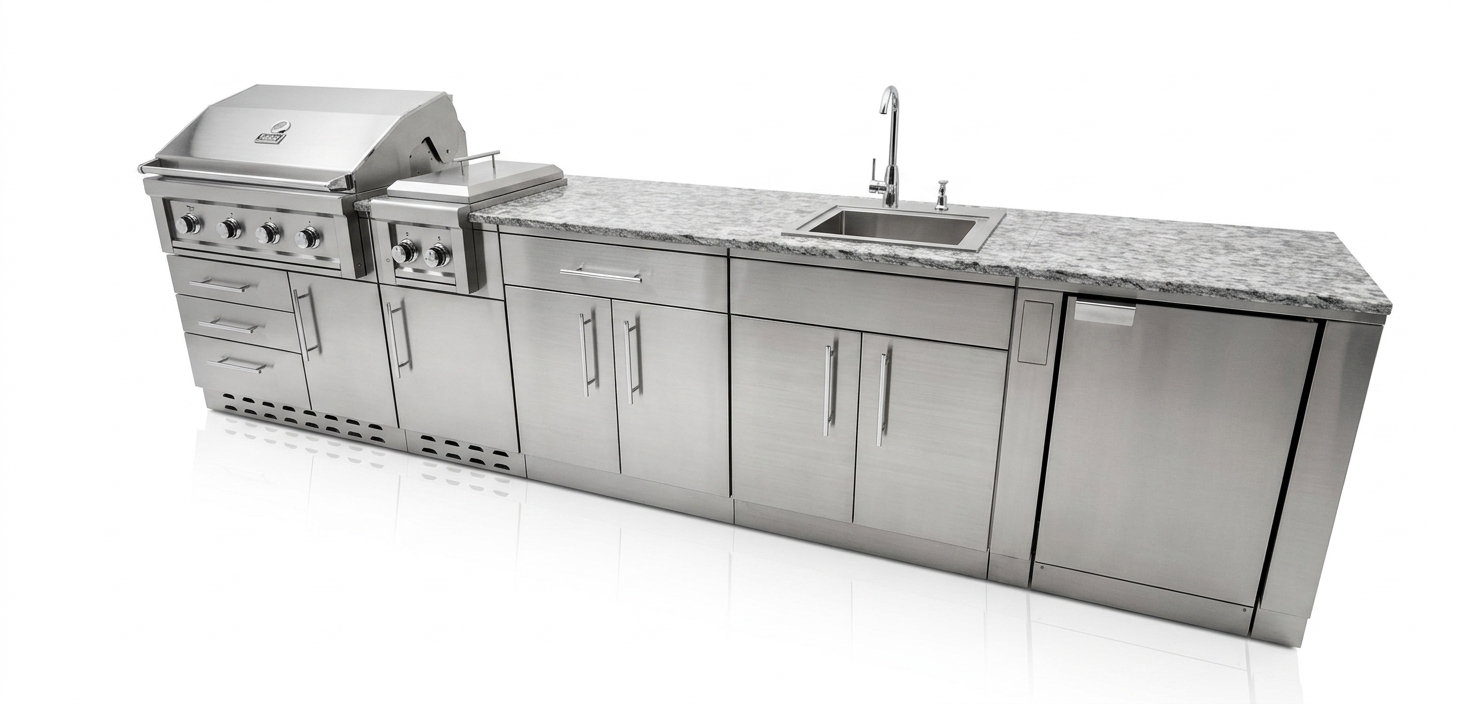
Set environment and key light. Hide parts you do not want. Push stainless and stone until they read correctly.
- 03
Shoot the camera
Capture the view to Source, or run AI Render from this exact camera. Every version files in Gallery.
The bench, and what leaves it.

Also in the lab
- Sign in to save, upload sources, and run paid generates
- Studio is a $99 add-on on Designer or Professional
- Credits come from the same plan pool
Model in the live viewport. Shoot the camera.
Studio is the $99 add-on on Designer or Professional. Sign in to save. Credits power every generate.