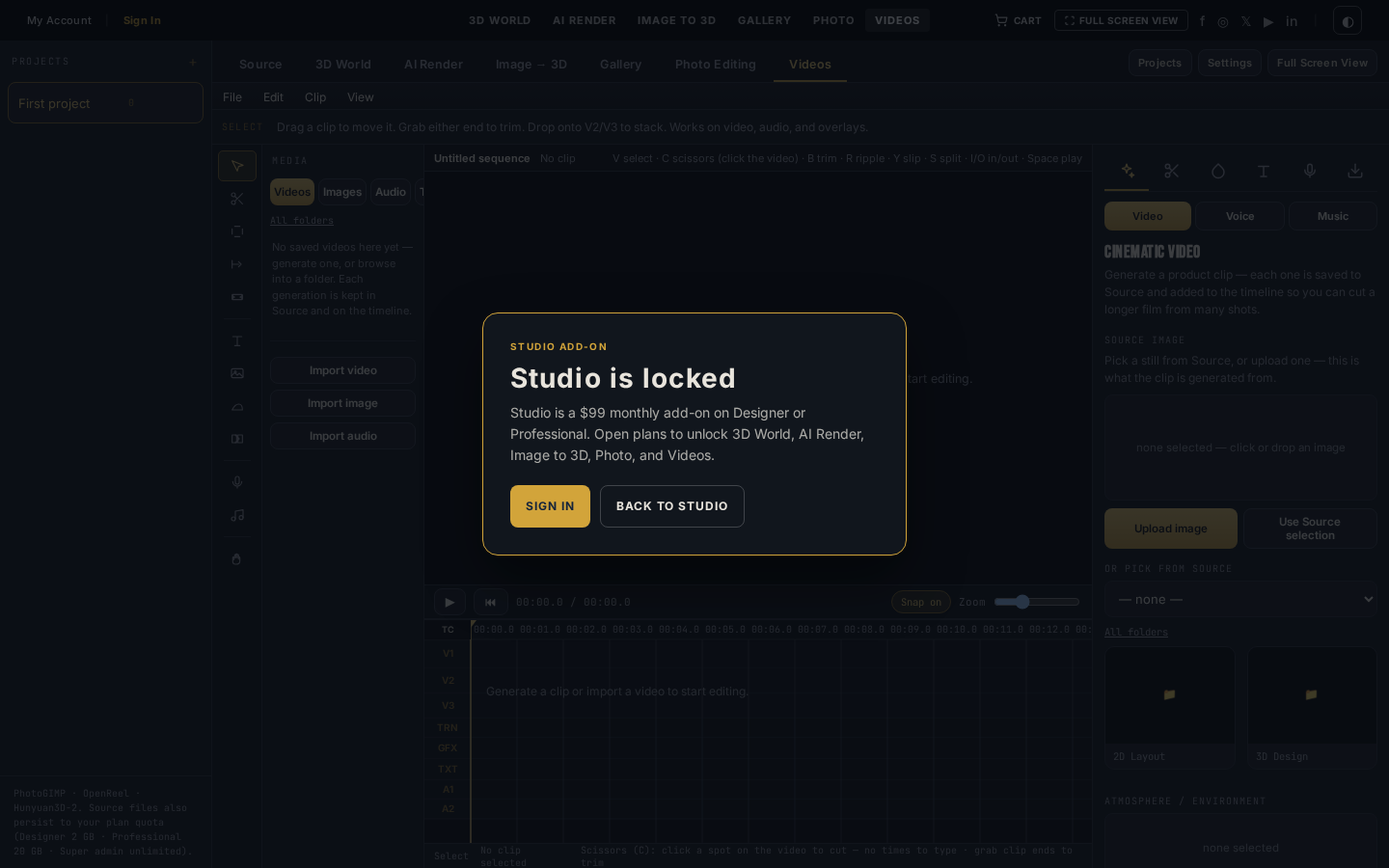
OpenReel timelines. Gemini and Grok motion.
Cut a still into a clip, drop titles and audio, or generate video from a prompt. The same Gallery files that leave AI Render land on this timeline.
Screenshot of the tool
OpenReel bench
Preview, Gemini / Grok video dock, media browser, and a multi-track timeline with scissors, titles, and audio.
Built for the job in front of you.
Cut a still into a clip, drop titles and audio, or generate video from a prompt. The same Gallery files that leave AI Render land on this timeline.
- Editor
- OpenReel in the browser
- Generate
- Gemini + Grok video
- Access
- Studio add-on · $99 / month
- Save / export
- Sign in required
Real timeline
Split, ripple, mark in/out, duplicate, and close gaps. Scissors (C) cut where you click — no timecode to type.
Generate motion
Gemini and Grok video from a still or a prompt. Voice and music generators sit on the File menu.
Titles and sound
Add a title, a lower third, a logo overlay, and transitions at the playhead. Import video, image, or audio.
Same library
The media browser is Source. Save the export to Gallery when the cut is finished.
Engines
What actually runs the generate.
Gemini Video
Motion from a still or a prompt. Spends the same credit pool as stills.
xAI
Grok Imagine Video
Video from the Imagine family. Same dock, same Gallery handoff.
Three steps on this bench.
- 01
Import the plate
Pull a Gallery still, a Source clip, or generate a video from Gemini / Grok in the dock.
- 02
Cut the sequence
Drop clips on V1/V2, audio on A1/A2. Split at the playhead, add titles, lay a transition.
- 03
Export the cut
Save to Gallery or download. The file stays with the project the way stills do.
The bench, and what leaves it.
Also in the lab
- Sign in to save, upload sources, and run paid generates
- Studio is a $99 add-on on Designer or Professional
- Credits come from the same plan pool
OpenReel timelines. Gemini and Grok motion.
Studio is the $99 add-on on Designer or Professional. Sign in to save. Credits power every generate.